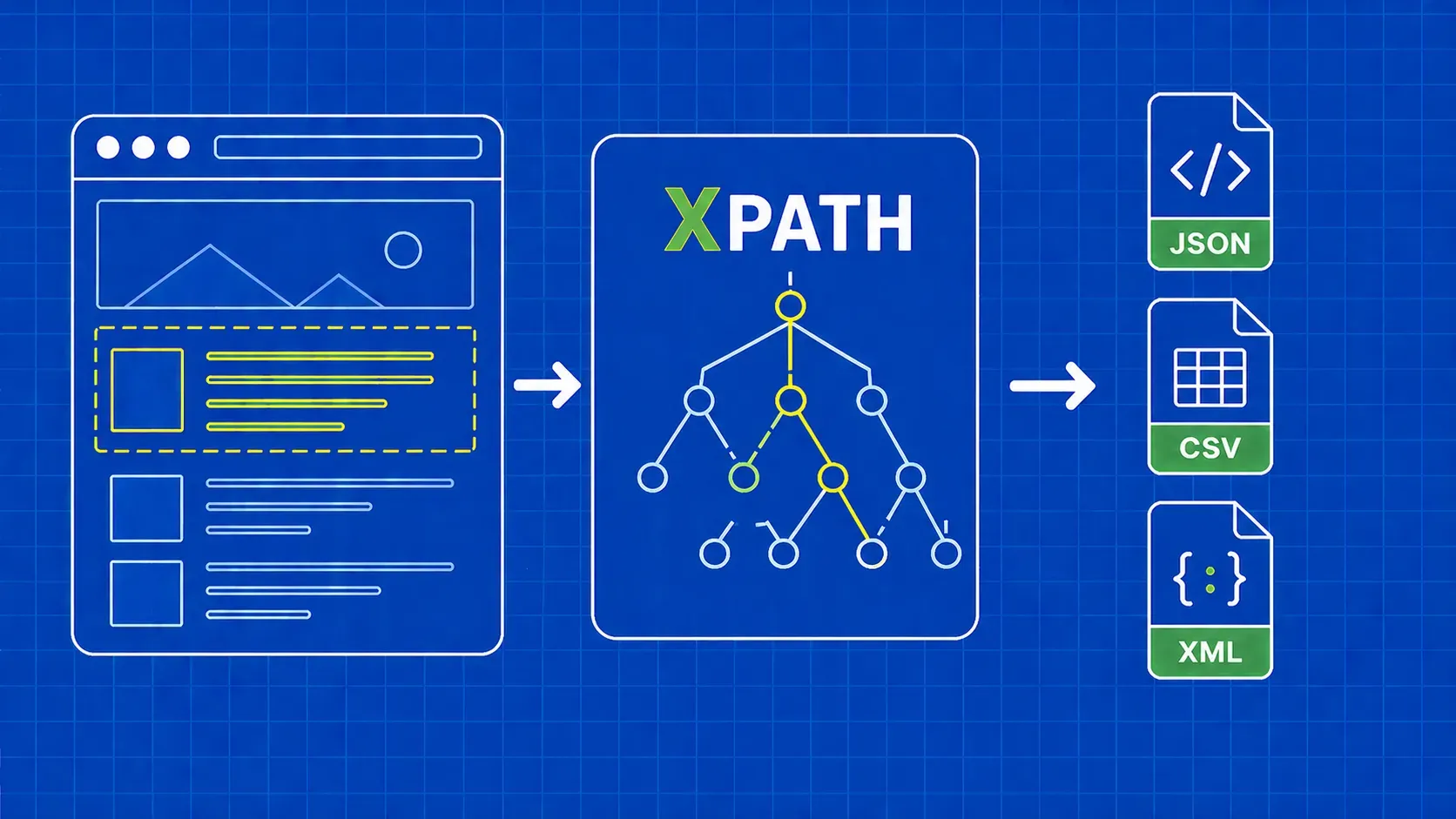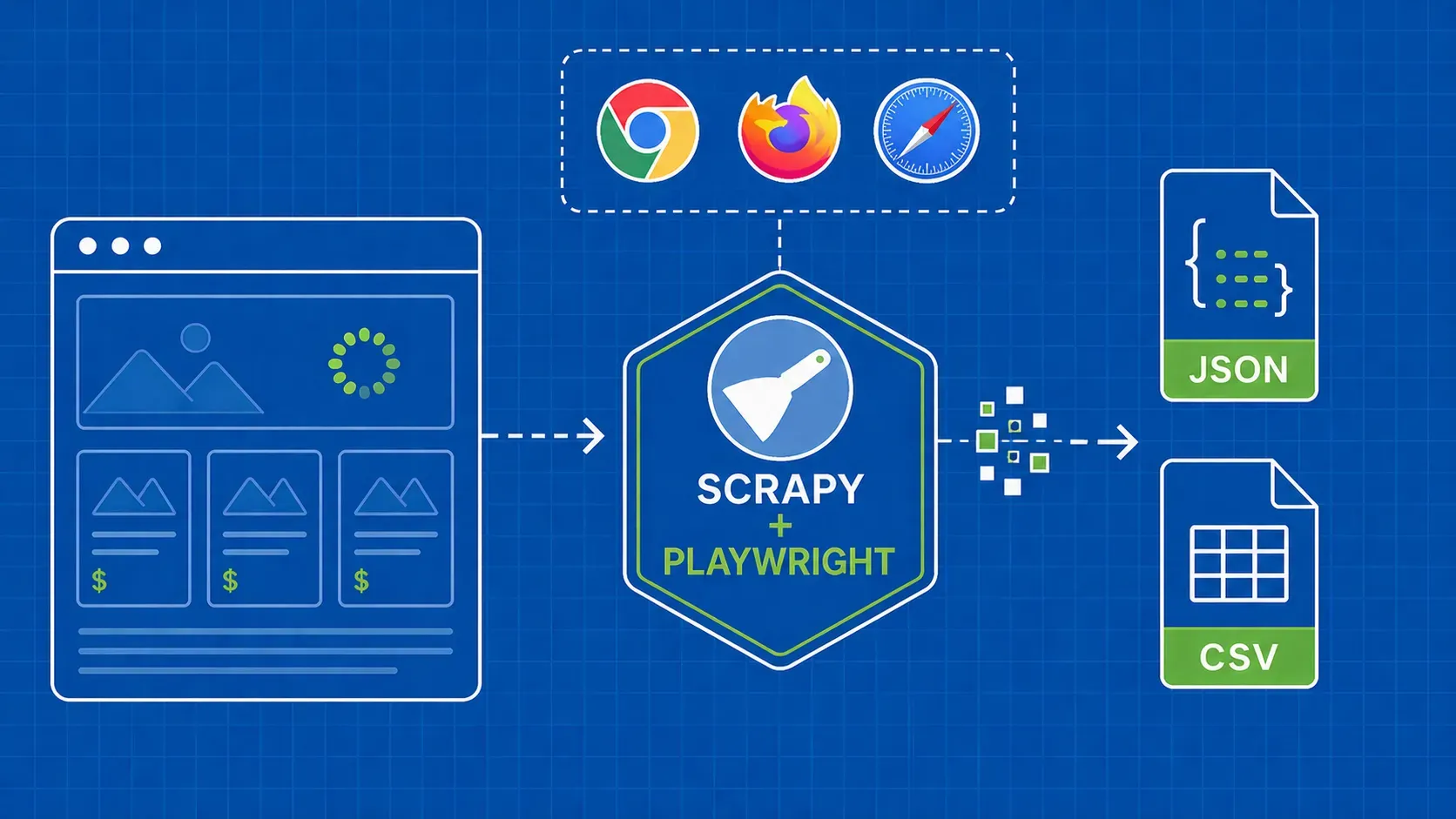
简而言之:这份 XPath 速查表涵盖了网页抓取中真正需要的语法、谓词、轴和函数,还附带了 CSS 到 XPath 的转换表以及可运行的 Puppeteer 和 Scrapy 示例。下次当你依赖的某个网站上 CSS 选择器悄然失效时,不妨将其作为参考手册。
前言
您来到这里,可能是因为某个选择器失效了,页面布局发生了变化,或者团队里有人告诉您“直接用XPath”,而您希望在一页内搞定。这很合理。这份XPath速查表正是为这样的时刻而设计:当爬虫开发者在项目进行中,需要语法、示例以及一些容错规则,却不想费力翻阅教程时。
XPath(全称 XML Path Language)是一种查询语言,它使用路径风格的表达式来遍历 XML 及类似 XML 的文档(包括 HTML)。在爬取场景中,它能提供 CSS 选择器无法实现的功能:沿树结构向上遍历、根据可见文本匹配,以及像小型谓词逻辑那样链式组合条件。 我们将涵盖核心语法、谓词、轴、最实用的函数、浏览器端测试、CSS 到 XPath 的转换表,以及两个简短的 Puppeteer 和 Scrapy 实战示例,这些内容你今天就可以直接应用到项目中。学习完毕后,你将能够解析 HTML 片段,编写能适应轻微 DOM 变化的选择器,并在发布前对其进行验证。
什么是 XPath 以及它为何对网页抓取至关重要
XPath即XML路径语言:一种利用路径式表达式遍历文档树以识别节点的查询语法。浏览器将HTML DOM呈现为类似XML的树结构,这正是XPath能用于网页抓取的原因——尽管HTML并非严格的XML。它是XSLT标准的核心组成部分,广泛应用于各类XML工具及大多数抓取技术栈中。
那么,为何抓取开发者会选择它?原因有三。首先,XPath 可在树结构中上下移动,而 CSS 选择器仅能向下或横向移动。其次,它能根据节点可见文本进行匹配,当类名随机变化但标签保持稳定时,这一特性尤为宝贵。第三,它允许在单个表达式中链式组合条件。这份 XPath 速查表涵盖了您在生产环境中运用这些功能所需的全部基础知识。
XPath 如何理解网页:路径、节点与步骤
XPath 表达式是由步骤组成的路径。每个步骤包含一个轴(搜索方向)、一个节点测试(匹配的节点类型)以及零个或多个谓词(方括号内的过滤条件)。大多数情况下轴是隐含的,因为 child:: 是默认值,这也是为什么像 //div/span 能正常工作。
以 //div[@class='quote']/span[1]为例。 // 是 descendant-or-self:: 轴的缩写,因此这句话的含义是:找到任意 div 且其 class 属性等于 quote,然后取其第一个 span 子节点。你需要关注三种节点类型:元素节点(div, span)、属性节点(@class, @href)以及通过 text()访问的文本节点。谓词采用从 1 开始的索引,因此 [1] 是第一个匹配项,而不是第二个。
在浏览器中实时测试 XPath 表达式
在编写任何爬虫代码之前,请先验证表达式在浏览器中是否有效。本速查表的测试部分包含两种工作流程。
在“元素”面板中使用 Ctrl+F(Cmd+F)。在 Chrome 或 Firefox 中打开开发者工具,点击“元素”选项卡,然后按 Ctrl+F 或 Cmd+F。搜索栏支持 CSS 选择器和 XPath 表达式,页面会高亮显示 DOM 树中的每个匹配项,并显示计数(如“12 个中的 3 个”)。这是测试选择性的最快方法。
$x() 控制台辅助工具。切换到“控制台”标签页并运行 $x("//div[@class='quote']")。该辅助工具会将匹配结果作为 JavaScript 数组返回,因此您可以使用 $x("//a/@href").length。根据当前厂商文档, $x() 该功能已内置于基于 Chromium 的开发者工具和 Firefox 开发者工具中,但您仍应在目标浏览器版本中进行验证。正如某篇工程文章所述,这“是测试表达式的好方法,既无需在代码编辑器上花费时间,也不会给网站服务器带来任何压力”。
XPath 与 CSS 选择器:快速决策框架
CSS 选择器通常更简洁且易于阅读,因此许多开发者将其视为默认选择,仅在 CSS 无法表达查询时才使用 XPath。这种观点虽属主观判断而非客观标准,但确实反映了大多数生产环境代码库的演变规律。真正的准则在于:选择在 DOM 发生微小变化时仍能保持有效的最简单选择器。
请将下表作为我们关于 XPath 与 CSS 选择器讨论的最终裁决依据:
|
场景 |
选择 |
|---|---|
|
稳定 |
CSS |
|
需要遍历到父元素或祖先元素 |
XPath |
|
按可见文本内容匹配 |
XPath |
|
|
无论哪种,CSS 更简洁 |
|
对单个元素设置多个条件 |
XPath(谓词链) |
|
针对已知结构的快速一行代码 |
CSS |
|
深度嵌套或不规则的标记 |
XPath |
CSS 选择器没有 parent:: 方向属性,也无法根据文本进行筛选,因此任何“点击包含‘Active’的行”的模式自然属于XPath的范畴。
XPath 核心速查表:语法基础
这些是本 XPath 速查表中其他所有部分构建的基础。一个 XPath 表达式至少包含一个标签名,可选地包含一个属性,以及该属性的可选值。谓词和函数构建在这些基础上。
|
符号 |
含义 |
示例 |
读作 |
|---|---|---|---|
|
|
从根节点选择 |
|
位于 |
|
|
后代或自身的简写形式 |
|
文档中 |
|
|
当前节点 |
|
一个 |
|
|
当前节点的父节点 |
|
任何 |
|
|
属性选择器 |
|
的 |
|
|
任何元素节点 |
|
任何 |
|
|
通过属性相等性过滤的标签 |
|
所有 |
|
`expr1 \ |
expr2` |
两个表达式的并集 |
`//h1 \ |
//h2` |
全部 |
一个有用的思维模型: / 锚点定位位置,标签名命名步骤,谓词过滤步骤。实际抓取工具中最健壮的 XPath 语法通常是一串用 /分隔的属性谓词链,而非从根节点开始的位置路径。
谓词:通过索引、属性和条件进行过滤
谓词是括号内的条件,它们将一个通用步骤转化为精确的步骤。它们可以串联,且从左到右进行求值。请记住,XPath 谓词采用 1 为起始的计数方式,因此 //li[3] 是第三个 li,而非第四个。
您将反复使用的常见模式:
|
谓词 |
作用 |
|---|---|
|
|
第 n 个匹配元素。 |
|
|
最后一个匹配项。 |
|
|
前三个匹配项。 |
|
|
属性完全相等。 |
|
|
属性上的子字符串匹配。 |
|
|
对属性的前缀匹配。 |
|
|
否定任何谓词。 |
|
|
对单个元素设置多个条件。 |
您可以将谓词进行链式组合: //div[@class='quote'][position()<=5] 列出前五个引用。若要深入探讨谓词链与 CSS 伪类在主题层面的选择,请参阅我们关于 XPath 与 CSS 选择器的配套文章。
轴:沿 DOM 向上、向下及横向遍历
这正是XPath优于CSS之处。轴指定了从上下文节点出发的遍历方向,而显式的 axis::node-test 形式解锁了 CSS 无法实现的移动方式。本页的 XPath 速查表将 XPath 轴作为重点章节,每行列举一个实际应用案例。
|
轴 |
返回值 |
抓取示例 |
|---|---|---|
|
|
直接子节点(默认轴) |
|
|
|
所有后代 |
|
|
|
该 |
|
|
|
直接父元素 |
|
|
|
直至根节点的每个祖先 |
|
|
|
同上,外加节点本身 |
当匹配结果可能是包装器或子节点时,这很方便。 |
|
|
该节点之后的兄弟节点 |
|
|
|
该节点之前的同级节点 |
|
|
|
节点的属性( |
|
|
|
当前节点 |
用于谓词: |
您将经常使用的两个是 ancestor:: 和 following-sibling::. following:: 以及 preceding:: 轴也存在,但很少用到。
通配符与节点测试
通配符可以放宽步骤的节点测试条件,当标签不同但结构相同时,这非常有用。
|
Token |
匹配 |
|---|---|
|
|
任何元素节点。 |
|
|
任何属性节点。 |
|
|
Any 节点上的所有属性,包括文本和注释。 |
|
|
仅限文本节点。 |
|
|
HTML 注释,偶尔对标记驱动的抓取有用。 |
关键区别在于: //div/* 会跳过文本和注释,而 //div/node() 则包含它们。当您明确需要字符串时,请使用 text() 。
爬取必备的 XPath 函数
谓词中的函数是处理现实世界中混乱HTML的关键:多余的空格、动态类名、大小写不一致以及计数问题。这些XPath函数大约能覆盖95%的抓取场景。
字符串函数
|
函数 |
示例 |
用例 |
|---|---|---|
|
|
|
匹配动态或复合类名。 |
|
|
|
筛选内部产品链接。 |
|
|
|
仅限 XPath 2.0。在 XPath 1.0 中请使用 |
|
|
|
在比较文本前去除周围的空格。 |
|
|
|
使用粗略小写转换进行不区分大小写的匹配。 |
|
|
|
提取属性值的一部分。 |
数字和节点函数
|
函数 |
示例 |
使用案例 |
|---|---|---|
|
|
|
结果页面上的行数。 |
|
|
|
选择偶数索引的节点。 |
|
|
|
无论长度如何,取最后一个项目。 |
|
|
|
按标签动态筛选。 |
|
|
|
跳过已禁用的输入项。 |
对于仅输出属性的情况,使用类似 string(@href) 可确保您获得的是字符串形式的值,而不是属性节点,这在某些抓取器中,当与正则表达式或修剪步骤串联时非常重要。
CSS 到 XPath 快速转换表
如果您的团队习惯使用 CSS 思维,因为您来自 BeautifulSoup 或 Cheerio,那么此表可作为快速迁移的辅助工具。XPath 速查表中的等效表达式未必更短,但总是更具表现力。
|
CSS |
XPath |
|---|---|
|
|
|
|
|
|
|
|
|
|
|
|
|
|
|
|
|
|
|
|
|
|
|
|
|
|
|
|
|
|
|
|
|
|
|
|
|
|
|
虽然 concat(' ',normalize-space(@class),' ') 这种模式虽然看起来不美观,但在 XPath 中模仿 CSS 类语义却是最安全的方法,因为 XPath 1.0 没有原生的“空格分隔列表中的标记”运算符。如需按 CSS 特性分类的并列入门指南,请参阅我们的 CSS 选择器速查表。
实例演示:使用 Puppeteer 和 Scrapy 提取数据
为了证明同一表达式在不同栈中同样有效,这里有两个简短的爬虫程序,它们访问 quotes.toscrape.com 并提取所有引文及其作者。我们在开发者工具中确认, //div[@class='quote'] 在撰写本文时,该表达式在首页上匹配了大约十条引语,这与渲染后的页面显示结果一致。
Puppeteer(Node.js)。使用 npm init -y 和 npm install puppeteer,然后将以下代码放入 index.js。请注意,Puppeteer的最新版本已转向定位器API,因此请确认 page.$x 是否与您 package.json.
import puppeteer from 'puppeteer';

const browser = await puppeteer.launch();
const page = await browser.newPage();
await page.goto('https://quotes.toscrape.com/');

const rows = await page.$x("//div[@class='quote']");
const out = [];
for (const row of rows) {
  const text = await row.$eval("span[@class='text']", el => el.textContent);
  const author = await row.$eval("small[@class='author']", el => el.textContent);
  out.push({ text, author });
}
console.log(out);
await browser.close();Scrapy(Python)。在蜘蛛(spider)内部, response.xpath 支持相同的表达式,并提供 .get() 和 .getall() 用于单值和多值提取。
def parse(self, response):
    for q in response.xpath("//div[@class='quote']"):
        yield {
            "text": q.xpath(".//span[@class='text']/text()").get(),
            "author": q.xpath(".//small[@class='author']/text()").get(),
        }
根据社区反馈,Cheerio 和 Beautiful Soup 并不直接支持 XPath,因此 Scrapy 或 lxml 是 Python 环境中的常用组合,而 Puppeteer 或 Playwright 则是 JavaScript 环境中的常用组合。在确定采用其中一种方案之前,请先验证您已安装的版本。如需完整的项目操作指南,我们的 Scrapy 和 Puppeteer 指南涵盖了配置、定时任务和代理连接。
在生产环境爬虫中编写健壮 XPath 的技巧
这份速查表以五条规则收尾,这些经验均来自凌晨三点爬虫崩溃的惨痛教训:
- 避免使用以
/html/body/...。一旦设计师发布首次页面布局变更,它们就会失效。 - 只要存在稳定的
class或data-*属性可用时,优先使用属性条件。 - 将文本比较包裹在
normalize-space(),以防止首尾空格悄无声息地破坏相等性检查。 - 使用
contains()处理动态类名,并使用or来处理已知的变体://a[contains(@class,'btn-primary') or contains(@class,'btn-cta')]. - 保持选择器的描述性。
//div[@class='quote']/span[@class='text']比//span.
关键要点
- 当需要沿树向上遍历、根据可见文本进行匹配,或在单个选择器中链式连接多个条件时,XPath 优于 CSS。
- 核心语法精简:
/,//,.,..,@,谓词和并集运算符涵盖了本 XPath 速查表中的大部分表达式。 - 轴是支持从 CSS 切换过来的最有力理由,而
ancestor::,following-sibling::、preceding-sibling::是您最常使用的三个轴。 - 在 DevTools 中使用 Ctrl+F 验证每个表达式,
$x(),再将其集成到爬虫中。这比重新部署一个出错的爬虫要快得多。 - 生产环境安全的 XPath 依赖于属性、
contains()、normalize-space(),并远离硬编码的位置路径。
常见问题
XPath在Selenium、Puppeteer、Playwright和Scrapy中的工作原理是否相同?
基本上是,但有两点需要注意。这四个引擎都支持 XPath 1.0 表达式并返回匹配的节点,但封装方法有所不同:Selenium 使用 find_element(By.XPATH, ...),Scrapy 使用 response.xpath(...),Playwright 使用 page.locator("xpath=..."),而 Puppeteer 过去使用 page.$x() ,尽管最新版本更倾向于使用定位器 API。在从旧教程中复制粘贴代码前,请先检查您的库版本。
为什么我的 XPath 在 Chrome 开发者工具中能正常工作,但在 Python 脚本中却返回空结果?
这几乎总是因为页面通过 JavaScript 渲染内容,而您的脚本获取的是原始 HTML,因此浏览器显示的节点在响应中并不存在。请通过 Ctrl+U 查看页面源代码,而不是通过“渲染的元素”标签页。解决方法是使用 Playwright 之类的无头浏览器,或者调用页面正在访问的已文档化的 JSON 接口。
如何编写不区分大小写的 XPath 表达式来匹配文本或属性?
XPath 1.0 没有 lower-case() 函数,因此常用的变通方法是使用 translate() 对字符进行折叠: //a[translate(text(),'ABCDEFGHIJKLMNOPQRSTUVWXYZ','abcdefghijklmnopqrstuvwxyz')='shop']。如果您的引擎支持 XPath 2.0 或 3.1, lower-case() 且 matches() regex 函数会更简洁。请务必先在浏览器中测试两个分支。
如何抓取一个在每次页面加载时类名都会变化的元素?
锚定在某个稳定的元素上:例如 data-id 或 aria-label,一个标签和文本固定的子元素,或者父级地标。如果只有部分类名是稳定的, contains(@class,'product-card') 则适用。当连该部分也是动态的,请向上遍历至稳定的祖先元素,再向下遍历: //section[@aria-label='Results']//article[1] 比任何基于类名的选择器都更可靠。
如何根据某个元素的子元素文本来选择该元素?
使用按后代文本过滤的谓词。例如, //tr[td[normalize-space()='Active']] 返回包含一个修剪后文本等于 Active。若需获取匹配的单元格而非行,可直接将其作为锚点: //td[normalize-space()='Active']。将比较运算符包裹在 normalize-space() ,可确保匹配结果不受空格影响。
结论
一份优秀的 XPath 速查表,与其说关注冷门语法,不如说是一个精简且可重复使用的工具包,让你在紧迫的截止日期压力下也能游刃有余。当 CSS 无法满足需求时,尝试使用 axes 遍历树结构;优先锚定属性与可见文本而非位置路径;并在将表达式投入抓取程序前,务必通过开发者工具进行验证。如果你在接下来的一周编写选择器时始终打开本页,这些模式就会深入骨髓。
XPath 解决了解析问题,但并未解决数据获取问题。 真正的爬取项目,绝大多数时间都耗费在应对速率限制、指纹识别以及渲染版与原始 HTML 不匹配等问题上,而这正是我们开发 WebScrapingAPI 旨在解决的。只需将我们的 Scraper API 指向任意 URL,即可获取干净的 HTML 内容,并使用你在开发者工具中测试过的相同 XPath 表达式进行解析。这样一来,你唯一需要调整的选择器就在解析器端——这才是它该在的地方。