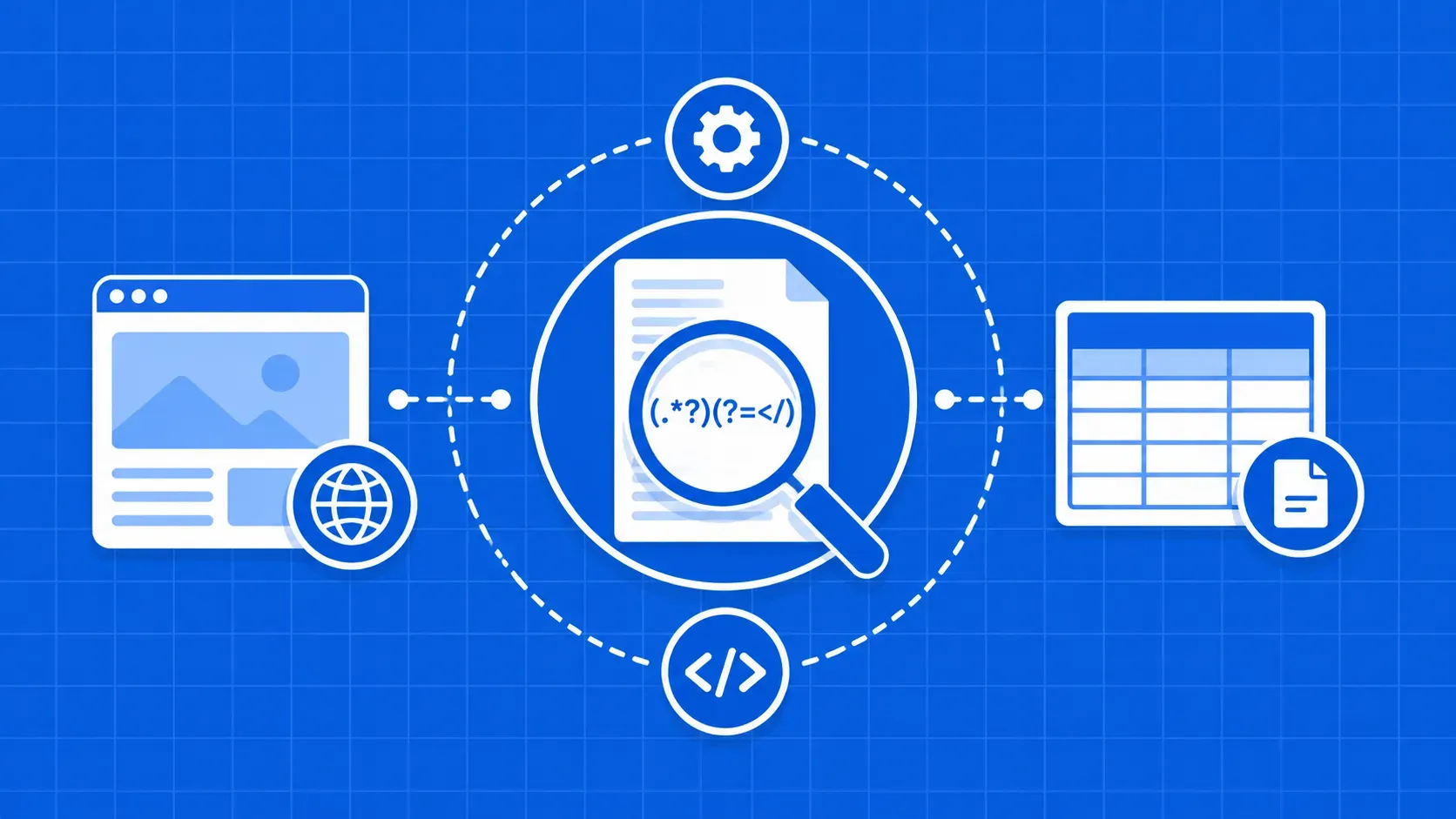
简而言之:当你需要从已验证的 HTML 中提取简短且规律的文本模式(如价格、SKU、电子邮件、日期)时,使用正则表达式进行网页抓取效果最佳。结合 Python 的 re 模块与Beautiful Soup结合使用,将模式作用于解析后的节点而非原始标记,并避免让正则表达式干扰完整的HTML树解析。本指南将带您逐步了解一个可运行的书名和价格抓取工具、正则表达式的高级特性,以及实际生产环境中抓取工具常遇到的陷阱。简介
大多数 Python 爬虫最终都会遇到一个时刻:CSS 选择器和 XPath 已无法满足需求。你可能拥有正确的 <div>,但其中包含类似 "$1,299.00 USD (incl. VAT)" ,而你只需要其中的数字。这正是基于正则表达式的网页抓取大显身手之处:它是一种基于模式的文本提取技术,针对原始 HTML 中的特定结构或页面背后的可见文本,而非遍历 DOM 树。
本指南面向已掌握使用 requests 并使用 Beautiful Soup 进行解析,现在希望在不破坏爬虫稳定性前提下将其纳入工具集的 Python 开发者。我们将探讨何时应采用正则表达式进行网页抓取(以及何时绝对不应采用),提供一份针对抓取优化的标记速查表,演示一个能生成结构化 CSV 文件的标题与价格抓取器,并介绍高级 re 功能(命名组、前向/后向查找、标志、 re.compile),这些功能能确保在项目规模扩大时模式仍保持可读性。同时,我们将坦诚探讨正则表达式在处理动态及格式错误的 HTML 时的局限性,并指出何时应改用选择器或托管式抓取 API。
何时正则表达式是抓取的合适工具(以及何时不适合)
正则表达式非常适合处理简短且定义明确的文本模式:价格、日期、ISBN、电话号码、哈希值以及 URL 中的查询参数。但对于包含嵌套标签、可选属性及不一致空格的任意 HTML 树结构,它则并非理想选择。
使用正则表达式进行网页抓取的简易决策指南:
- 当字段结构稳定(
\d+\.\d{2},如电子邮件、UUID),且页面采用服务器端渲染的 HTML,同时您已能通过解析器隔离目标字段的上下文节点。 - 当数据深埋在嵌套标签中、标记在每次部署时都会更改类名,或者页面由 JavaScript 渲染且所需值仅在浏览器执行脚本后出现时,请跳过正则表达式。
用于抓取的正则表达式标记速查表
几乎所有基于正则表达式的网页抓取任务,你只需要一小部分核心标记。下表侧重于抓取:每个示例都是你可能实际从 HTML 中提取的内容。
|
标记 |
匹配内容 |
抓取示例 |
|---|---|---|
|
|
任意数字 (0–9) |
|
|
|
单词字符(字母、数字、 |
|
|
|
任何空格 |
容忍不规范的 HTML 格式 |
|
|
除换行符外的任何字符 |
|
|
|
字符串(或行)的开头/结尾 |
锚定一个干净的文本节点 |
|
|
0+、1+、0–1 次重复(贪婪模式) |
|
|
|
非贪婪变体 |
|
|
|
字符类 |
|
|
|
捕获组 |
仅提取价格 |
|
|
命名捕获 |
|
|
|
向前/向后查找 |
|
|
|
转义 |
匹配字面量 |
分步指南:使用 Python 抓取产品标题和价格
为了具体说明,我们将抓取一个静态产品列表页面,并提取两个字段:产品标题和价格。请选择任何你有权限抓取的沙盒或演示商店;下面的模式假设服务器渲染的 HTML 中每个产品对应一张卡片。以下四个子步骤涵盖环境设置、获取并分离卡片、编写模式以及保存结构化输出。
配置 Python、requests 和 Beautiful Soup
干净的虚拟环境能确保依赖项隔离,并保持终端历史记录的整洁。Python的 re 模块已包含在标准库中,因此只需安装 HTTP 客户端和解析器这两个第三方库。如果您正在评估不同的数据抓取工具,我们的 Python HTTP 客户端汇总文章会是很好的参考资料。
python -m venv .venv
source .venv/bin/activate     # Windows: .venv\Scripts\activate
pip install requests beautifulsoup4
import csv
import re
import requests
from bs4 import BeautifulSoup抓取页面并分离产品卡片
在进行正则表达式处理前,务必先缩小范围。若对整个 HTML 文档运行模式匹配,极易在两千行之后误匹配错误的标签。请使用 Beautiful Soup 提取产品卡片,随后对每张卡片的 HTML 进行独立操作。如果 requests.get 返回近乎空的 <body> 且数据位于 <script> 标签中,或者数据仅在 JavaScript 执行后加载,那么对原始响应使用正则表达式是行不通的;你需要使用无头浏览器或渲染 API。
URL = "https://example.com/products"  # replace with a target you are allowed to scrape
html = requests.get(URL, timeout=15).text
soup = BeautifulSoup(html, "html.parser")
cards = soup.find_all("div", attrs={"data-testid": "product-card"})
为标题和价格编写正则表达式
将模式锚定在稳定的属性上,而非像 css-7u5e79。这些类名哈希值会在每次前端部署时重新生成,导致你的爬虫在不知不觉中失效。建议优先使用 data-* 属性、语义标签(<h4>, <h2>)或 itemprop 标记(如果网站提供了这些)。
TITLE_RE = re.compile(r'<h4[^>]*itemprop="name"[^>]*>(.*?)</h4>', re.DOTALL)
PRICE_RE = re.compile(r'<span[^>]*itemprop="price"[^>]*>\s*\$?([\d,]+\.\d{2})\s*</span>')
在此层级使用正则表达式进行网页抓取时,有三点值得特别注意:
(.*?)是“非贪婪”的;若未添加?,你的标题匹配可能会无视地横跨多张卡片。[^>]*允许标签包含其他任何属性(class,id、分析钩子),匹配仍能正常进行。re.DOTALL允许.匹配换行符,因此即使标题换行到新行,仍能被捕获。
遍历结果并保存为结构化文件
纯文本转储适用于调试,但后续处理几乎总是需要 CSV 或 JSON 格式。带有显式标题的 CSV 使输出自带说明,且易于导入 pandas 或电子表格。将原始 HTML、解析后的 CSV 和运行日志保存在不同文件夹中,以免重跑时相互覆盖。
rows = []
for card in cards:
    html_chunk = str(card)
    t = TITLE_RE.search(html_chunk)
    p = PRICE_RE.search(html_chunk)
    rows.append({
        "title": t.group(1).strip() if t else "",
        "price_usd": p.group(1) if p else "",
    })

with open("data/products.csv", "w", newline="", encoding="utf-8") as f:
    writer = csv.DictWriter(f, fieldnames=["title", "price_usd"])
    writer.writeheader()
    writer.writerows(rows)
对于嵌套字段(如变体、规格),请切换为 JSON。
将正则表达式与 Beautiful Soup 结合使用,实现更干净的提取
正则表达式和真正的 HTML 解析器并非竞争对手,而是互补的处理层。Beautiful Soup 遍历树结构并返回一个聚焦的字符串,而结合 Beautiful Soup 使用正则表达式,则能将该字符串转化为你所需的精确字段。这比直接对原始响应使用正则表达式进行网页抓取要安全得多。
有两个模式值得记住。首先,将编译好的正则表达式直接传递给 find_all 或 find 中,根据属性值过滤标签:
price_tags = soup.find_all("span", class_=re.compile(r"^price"))其次,搜索可见文本与特定模式匹配的元素:
in_stock = soup.find_all(string=re.compile(r"\bIn stock\b", re.IGNORECASE))若想深入了解解析器相关知识,我们的 Beautiful Soup 详解涵盖了选择器、导航及边界情况。
高级正则表达式模式:抓取工具开发者必知
掌握基础知识后,一些 re 功能将使基于正则表达式的网页抓取变得更加易于维护。
- 命名组(
(?P<name>...))取代了脆弱的位置索引。m.group("price")具有自解释性,且在模式重新排序后依然有效。 - 向前查找和向后查找让你能在不消耗资源的情况下进行匹配。
\d+(?= USD)仅当USD紧随其后时才捕获数字;(?<=Price:\s)\$\d+仅在$199仅在字面标签之后捕获。 - 标志可使模式保持简短。
re.IGNORECASE用于In Stockvsin stock,re.DOTALL因此.跨行,re.VERBOSE因此你可以编写带注释的多行模式。 re.compile在抓取数千个页面时效果显著:只需编译一次,在循环中重复使用,即可获得微小但切实的速度提升。re.finditer流式匹配采用懒加载机制,对于findall。
PRICE = re.compile(r"\$(?P<amount>[\d,]+\.\d{2})(?=\s*USD)", re.IGNORECASE)
for m in PRICE.finditer(page_text):
    print(m.group("amount"))
使用正则表达式进行网页抓取的常见陷阱与局限
以下是一份会让你踩坑的诚实清单:
- 哈希类名(
css-7u5e79 eag3qlw7)在每次部署时都会改变。请改用data-*,itemprop,或改用语义标签。 - 嵌套标签会导致简单的
(.*?)匹配,尤其是当内部 HTML 包含与你要关闭的标签相同的标签时。 - 格式错误的 HTML(未闭合的标签、引号不匹配)会导致正则表达式难以处理;而真正的解析器能够容忍这些情况。
- JavaScript 渲染的内容根本不在响应正文中。正则表达式无法凭空生成服务器从未发送过的数据。
- 编码问题会通过
&,'和智能引号潜入;匹配前请规范化文本。
当上述两种情况同时发生时,请切换至选择器或能返回经过 JavaScript 处理后 HTML 的渲染 API。
正则表达式 vs XPath 和 CSS 选择器:如何选择
使用选择器处理结构,使用正则表达式处理结构内的文本。对于基于类和标签的查找,CSS 选择器简洁且快速;当需要轴、位置或文本谓词时,XPath 更具表达力。一旦定位到正确节点并需要解析其字符串,正则表达式便派上用场。如果您正在二者之间抉择,我们的 XPath 指南以及 XPath 与 CSS 选择器的对比分析将提供更深入的指导。
关键要点
- 将基于正则表达式的网页抓取视为处理短小且可预测文本模式的精密工具;完整的 HTML 树导航则应保留在 Beautiful Soup 或 lxml 中。
- 始终将模式锚定在稳定的属性(
data-*,itemprop、语义标签),而非每次部署都会变化的哈希 CSS 类名。 - 结合
find/find_all与re.compile,使模式在孤立节点上运行,而非整个响应正文。 - 善用命名组、向前查找、
re.DOTALL,re.IGNORECASE,以及re.compile一旦您的爬虫规模超出单页范围。 - 将输出保存为 CSV(或用于嵌套数据的 JSON),并添加明确的标题以及整洁的文件夹结构,以确保可重现性。
常见问题
仅靠正则表达式能抓取 JavaScript 渲染的页面吗?
不行。正则表达式仅匹配响应中已存在的字符。如果所需值是由客户端 JavaScript 注入到 DOM 中的,那么 requests 返回的原始 HTML 中根本不包含这些值。你需要使用无头浏览器(如 Playwright、Puppeteer、Selenium)或能返回经过 JavaScript 处理后的 HTML 的渲染 API,然后才能对该输出应用正则表达式。
如何在将正则表达式模式投入生产环境前进行测试?
使用 regex101 或 pythex 等交互式测试工具,在选择 Python 模式后,使用具有代表性的 HTML 片段验证模式。然后编写小型单元测试,将每个模式应用于保存的 fixture 文件,并对捕获的组进行断言。当网站发生变化时,fixture 能保护你,因为失败的测试会精确指出导致问题的那条模式。
在抓取大量页面时,是否应该使用 re.compile()?
是的。 re.compile() 该方法会一次性解析模式,并在后续调用中复用已编译的对象,从而避免在密集循环中重复解析的开销。单次匹配的性能提升虽小,但处理数千个页面时效果显著。更大的优势在于可读性:编译后的模式可以以清晰的名称置于模块顶层,而非内联字符串字面量。
在抓取 HTML 时,贪婪匹配和非贪婪匹配有什么区别?
贪婪量词(*, +) 会匹配尽可能多的文本,这可能导致跨多个记录吞噬内容。非贪婪变体 (*?, +?) 则尽可能少地匹配,并在遇到第一个有效的闭合标签时停止。对于 HTML 提取, (.*?)</h4> 能正确捕获一个标题; (.*)</h4> 则会吞噬整个文档直至最后一个 </h4>.
如何处理抓取的 HTML 中的多行匹配和异常空格?
通过 re.DOTALL so . 匹配换行符,而 re.MULTILINE 如果你使用 ^ 或 $ 每行。对于标签内的不规则空格,请使用 \s* (零个或多个空格,包括换行符)代替字面空格。在匹配前将实体(&, ) 和 Unicode 引号,以免它们在匹配时悄无声息地破坏原本正确的模式。
总结与后续步骤
使用正则表达式进行网页抓取是一把利器,但并非万能。请将其用于最能发挥其价值的场景:解析您已通过解析器分离出的、HTML 内部短小且可预测的字符串。让您的模式锚定在稳定的属性上,优先使用命名组和预编译模式,一旦页面涉及大量 JavaScript 或标记结构变得嵌套复杂,请立即切换到选择器或渲染层。 大多数生产环境中的爬虫最终都会结合使用正则表达式、Beautiful Soup 和 HTTP 客户端;请根据您要提取的数据字段选择合适的处理层,并仅在此层进行操作。
如果您希望在专注于模式设计时无需费心处理代理、重试和验证码,我们团队开发的 WebScrapingAPI 可在单一接口后返回渲染后的 HTML 和结构化 JSON,这样您的 re Beautiful Soup 代码在请求层由系统自动处理的同时仍能正常运行。接下来,建议您阅读我们更全面的 Python 网页抓取指南,以及将提取字段塑造成干净记录的数据解析手册。